
You have a review page, people are landing on it, and the affiliate dashboard shows almost nothing. If you keep asking yourself why aren’t people clicking my affiliate links, the answer is usually somewhere between the last paragraph a reader finishes and the link they never press. That gap is smaller and easier to fix than a traffic problem.
This article covers seven causes: broken or cloaked links, slow pages, tiny mobile buttons, buried link placement, a trust gap, a missing verdict, and a weak call to action. It then shows how to test fixes without fooling yourself and gives you a 30 minute audit for your top three review pages.
First, Confirm the Problem Is Clicks and Not Traffic
Before you change anything, check that readers are actually reaching the part of the page where the link lives. A page with 40 visitors a month and zero clicks is a different situation from a page with 2,000 visitors and zero clicks.
Pull three numbers for each review page over the same period:
- Visitors to the page, from your site analytics.
- Clicks on the affiliate link, from an analytics event, a link tracking plugin, or the click count in the affiliate program’s dashboard.
- Sales or sign-ups, if the program reports them.
If visitors are very low, the work belongs earlier in the funnel, and this checklist on why an affiliate site is not getting traffic is the better place to start. If you have steady visitors and few clicks, keep reading.
There is no universal “good” click rate to aim for, and any figure quoted without a source for your niche and page type is a guess. A more useful comparison is your own pages against each other. If one review gets clicks and a similar one does not, the difference between them is your lead.
Also check whether your click counts can be trusted. Dashboards and analytics tools count differently, and ad blockers or privacy settings can hide clicks from your analytics. If the affiliate program shows clicks and your analytics shows none, your tracking is the problem, not your readers.
The Technical Friction: Broken Links, Slow Pages and Tiny Mobile Buttons
Three of the seven reasons are mechanical, and they are worth ruling out first because they cost nothing to fix once found.
Reason 1: The link is broken or redirects somewhere unexpected
Links break more often than you would think. A program changes its URL structure, a campaign ends, a tracking parameter gets cut off when you paste it, or a link-cloaking plugin updates and its redirects stop working. The reader clicks, lands on a “page not found” error, and leaves. You see a click in some tools and no sale in any of them.
Cloaking means using a short link on your own domain, such as yoursite.com/go/product, that redirects to the long affiliate URL. It keeps links tidy and easy to update, but it adds a point of failure. Test each cloaked link in a private browser window and confirm it lands on the right product page with your tracking intact. Check that it opens the page the button promises, not the program’s home page or a different product.
Some readers also hesitate at a link that looks suspicious. A long string of codes in the status bar when they hover can put people off, and so can a link that goes to a page with no obvious connection to your review.
Reason 2: The page loads slowly
A slow page loses readers before they reach the link. Heavy image files are the most common cause on review pages, since each product photo and screenshot is often uploaded at full camera size. Other usual causes are too many plugins, autoplay video, and ad scripts.
Run the page through a free speed tool such as Google’s PageSpeed Insights and look at the largest items it flags. Compressing images and removing plugins you do not use will usually do more than anything clever. If your link sits in a button that loads late, because it depends on a script, readers may be tapping before it works.
Reason 3: The button is hard to tap on a phone
Many readers will be on a phone, and text links in the middle of a paragraph are easy to miss with a thumb. Both Apple’s and Google’s design guidelines recommend touch targets of roughly 44 to 48 pixels on a side, with space between them so a tap does not hit the wrong item.
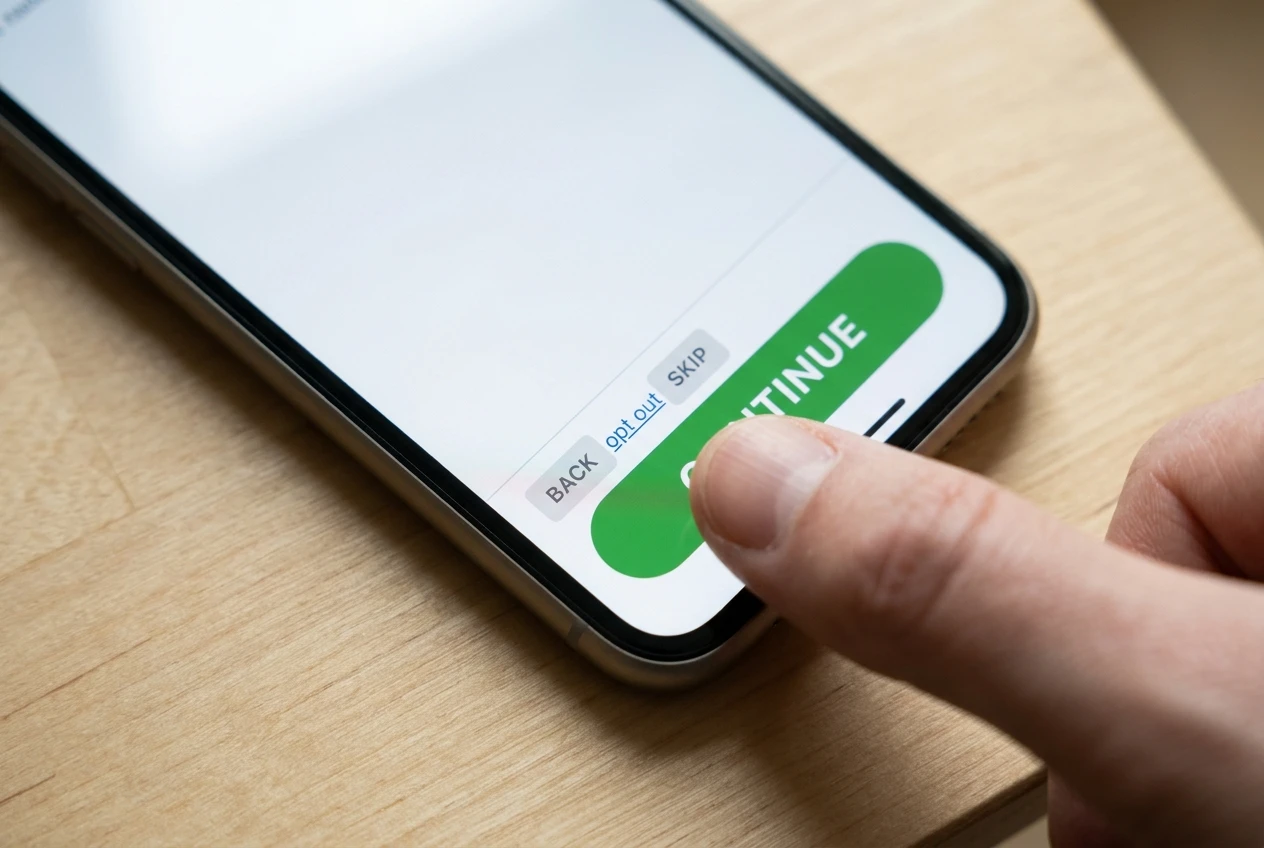
Open your review on your own phone and try to tap the link with one hand. Check whether a floating banner, cookie notice, or chat widget covers it. Check that buttons do not sit right next to each other, and that the text is large enough to read without zooming. If you struggle, readers will not bother.
Where Your Link Sits: Why Buried and Bare Links Get Skipped

Reason 4: The link is in the wrong place, or is just a bare line of text
Many reviews put one affiliate link at the very bottom, after the pros and cons, the specifications, and the frequently asked questions. A reader who decided after your second section has already scrolled away or closed the tab. The reverse also happens: a link in the first line before the reader knows anything about your opinion.
A workable pattern for a review:
- One link or button near the top, right after a short summary of who the product suits. This serves readers who arrive ready to buy.
- A link at the point in the body where you make your strongest case, such as the section on the feature that matters most.
- A final button after the verdict, where readers who read to the end land.
That is three placements on a long page, and a single one on a short page. Each should feel like a natural next step, not a repeated demand.
Bare links cause a separate problem. A raw URL or a vague phrase like “click here” tells the reader nothing about what will happen. Link text that names the action, such as “see the current plans for this tool” or “check the price on the product page”, is clearer and gives the reader a reason to press. Avoid promising a price or discount in the text unless you can confirm it stays true, because programs change offers without notice.
Finally, consider the page layout around the link. A link squeezed between two long paragraphs in a plain font blends into the text. A button, a boxed section, or a short line of white space around it makes it visible without shouting.
The Trust Gap: Disclosure, Proof and Reviews That Sound Like Ads
Reason 5: Readers do not trust the recommendation
A reader who suspects that you earn money from whatever you recommend will hesitate, and that hesitation is reasonable. Three things close the gap.
Disclose plainly and early. In many countries, including the United States, affiliate relationships have to be disclosed clearly and close to the link, not hidden in a footer. A short sentence near the top of the review, such as “This page contains affiliate links, which means I may earn a commission if you buy through them at no extra cost to you,” tells readers where they stand. Keep a full affiliate disclosure page and point to it. Readers tend to trust a writer who says it first more than one they catch out.
Show proof of use or research. Specifics make a review credible: screenshots you took yourself, the exact feature you looked at, the plan tier you looked at, and what it did and did not do. Only claim hands-on experience if you actually have it. If your review is based on research, documentation, and published user feedback, say so. Honest sourcing beats a pretend first-hand story, and readers can spot the pretend kind.
Include the downsides. A review with no weaknesses reads like an ad. Name who the product is wrong for, what it lacks, and what an alternative does better. A reader who sees you point out a real limitation is more likely to believe the praise.
Tone matters too. Phrases like “game-changing,” “must-have,” and “you won’t regret it” are what advertisements say. Plain statements of what the product does and for whom work better. If you draft with AI tools, the same applies: edit until it sounds like a person with an opinion, and see where AI belongs in affiliate reviews and where you should write for one way to draw that line.
The Missing Verdict: When Readers Don’t Know What You Recommend or Why
Reason 6: The page never says what you actually recommend
Plenty of reviews describe a product thoroughly and never reach a conclusion. The reader finishes with a list of features and no answer to the question they came with: should I buy this?
A reader who is unsure what you think has no reason to click. Put the verdict in plain words. It can be as short as: “Good for beginners who want X. Skip it if you need Y.” Then give the reason in one or two sentences.
Where to put the verdict:
- A summary box or short paragraph near the top, so skimmers see it.
- A clearly labelled conclusion section near the end, with the reasoning.
Make the verdict specific to a type of reader. “It depends on your needs” is accurate and useless. “If you are building your first site and want hosting and training in one place, this fits; if you only need a single tool, it is more than you need” gives the reader something to match themselves against.
Comparison pages need the same treatment. If you review two products, say which one you would choose for which reader. Readers who see a side-by-side table with no pick often leave to look for someone who will give them one.
Weak Calls to Action: Writing a Button That Tells Readers What Happens Next
Reason 7: The call to action is vague, or the next step feels risky
“Click here” and “Learn more” make the reader guess. People hesitate when they do not know whether the link leads to a purchase, a free trial, a sign-up form, or a sales page with a video.
A good call to action answers three questions: what will I see, what will it cost me, and is there a commitment. Examples of the pattern:
- “See the plans and current pricing” (a pricing page, no purchase yet).
- “Start with the free option” (only if a free option exists and you have confirmed it).
- “Read the official feature list” (information, low pressure).
Only describe what is true. If you are not sure whether a free trial needs a credit card, say “check the sign-up page for trial terms” or leave the claim out. A reader who feels misled by your button will not trust the next one.
Place a sentence of context directly before the button. One line that restates the reason (“If you want hosting and training in one place, this is where to see what is included”) connects your verdict to the action. Then give one main button, not three competing ones. Several different choices at the same spot lower the odds that any of them gets clicked.
How to Test One Change at a Time Without Fooling Yourself
After a first read, you may want to fix everything at once. Doing so makes it impossible to know what worked. Change one thing per page, wait, and compare.
A simple method:

- Pick one page and one change. For example, move the first link above the fold, or replace “click here” with a descriptive button.
- Record the starting numbers. Note the visitors, clicks, and date. A simple spreadsheet is enough.
- Wait long enough. With low traffic, a week can show a few clicks one way or the other and mean nothing. Three clicks versus five is noise. Let the page collect a meaningful number of visitors before you judge, and compare periods of similar length.
- Compare click rate, not raw clicks. Divide clicks by visitors for each period, so a traffic spike does not look like a win.
- Watch for outside effects. Seasonal demand, a ranking change, or a social post can change who visits and how ready they are to buy. If something unusual happened, note it and extend the test.
- Keep or revert, then log the result. Write down what you changed and what happened, including the changes that did nothing.
If a page has too little traffic to test, apply the fixes you are confident in, such as repairing a broken link or enlarging a button, and save the experiments for pages that have enough readers to give you a signal. Those are fixes, not experiments, and they do not need proof.
A 30-Minute Audit You Can Run on Your Top Three Review Pages
Choose the three review pages with the most visitors. Give each about ten minutes. Use your phone for most of the checks.
Minutes 0 to 3: Links.
- Click every affiliate link and confirm it lands on the right page.
- Check that cloaked or shortened links redirect correctly in a private window.
- Note any link that fails, goes to a different product, or loses your tracking.
Minutes 3 to 5: Speed and phone view.
- Run the page through a speed tool and note the biggest flagged item.
- Load the page on your phone and tap the main link with one thumb.
- Check that no banner or popup covers the button.
Minutes 5 to 7: Placement and wording.
- Count the links and note where they sit. Is there one near the top, one in the body, and one after the verdict?
- Read the link text. Replace any “click here” with a phrase that says what the reader will find.
Minutes 7 to 9: Trust.
- Find your disclosure. Is it near the top and in plain language?
- Check that the review contains at least one real downside and at least one specific detail the reader could verify.
Minutes 9 to 10: Verdict and call to action.
- Can you state your recommendation and who it is for in two sentences? Find those sentences on the page. If they are missing, write them.
- Check that the button says what happens next and that nothing in it overpromises.
Write down what you found for each page, fix the mechanical problems first, and choose a single change from the list for your first test. If you are weighing how far this kind of work fits around a job, a weekly schedule for building an affiliate site after 5pm shows how to fit it into evenings.
If you want a place to build review pages with hosting, training and a community in one spot so you can test and fix these click problems as you go, take a look at Wealthy Affiliate through the link on this page. Start with the free option and see if it fits your plan.