
When affiliate marketers weigh canva vs jasper for affiliate marketing, they’re usually asking the wrong question. They sound like competing tools because they both show up on every “best tools for content creators” list, but they solve two completely different problems. One speeds up the time it takes to make an image. The other speeds up the time it takes to write a sentence. Neither one touches the other’s job.
So before you spend credits or a subscription fee on either, the useful question is not which tool is better. It is which bottleneck is actually slowing down your publishing schedule right now: are you sitting on a draft because the writing takes forever, or are you sitting on a finished post because you can’t get a featured image and three social graphics made without losing an afternoon?
The real question: is your bottleneck writing or design
Think about the last post you published and the one before that. Where did the time actually go?
If you write fast but then stall out trying to make a Pinterest graphic, a comparison table image, or a featured image that doesn’t look like a stock photo everyone else is already using, your bottleneck is design. Jasper won’t fix that. It writes words, not pixels.
If you can mock up graphics in your sleep but stare at a blank document for forty minutes trying to figure out how to open a product review, your bottleneck is writing. Canva won’t fix that either, no matter how many templates it has.
Most affiliate sites actually have both bottlenecks at different points in the workflow, which is exactly why the “versus” framing is misleading. The real decision isn’t Canva vs Jasper for affiliate marketing in some abstract sense. It’s which one closes the gap that’s currently costing you publish days.
What Canva actually speeds up for affiliate sites
Canva’s speed advantage shows up in a specific set of affiliate tasks, and it’s worth naming them instead of treating “design” as one blob of work.
-
Featured images for posts. A templated layout with your site’s fonts and colors locked in means you can swap a background and headline in a couple of minutes instead of opening Photoshop and starting from a blank canvas.
-
Comparison tables and spec graphics. If you’re running a lot of “X vs Y” or “best of” content, a reusable table template saves you from rebuilding the same grid every time.
-
Social graphics drawn from a blog post. Pulling a quote or a stat out of an article and dropping it into a square template for Pinterest or Instagram is close to instant once the template exists.
-
Lead magnet covers and opt-in graphics. If you’re building out a lead magnet to grow your list, a clean cover image that matches your brand takes minutes, not hours.
The common thread is repetition. Canva is fast because it lets you reuse a structure and change the input. The first time you build a template costs you real time. Every time after that is quick. If you’re publishing weekly or more and your graphics all serve the same handful of purposes, that repetition pays off fast.

Where Canva’s speed creates generic looking graphics
The same template reuse that makes Canva fast is also what makes a lot of Canva output look identical to every other small site using the same templates. If you’ve scrolled Pinterest for any affiliate niche, you’ve seen the same layout, the same stock photo, the same bold sans-serif headline treatment on a dozen different sites in a row.
This matters more than it sounds like it should. A featured image that looks like everyone else’s doesn’t actively hurt you, but it doesn’t help you stand out in a feed, either, and standing out is most of what a thumbnail or a pin image is for.
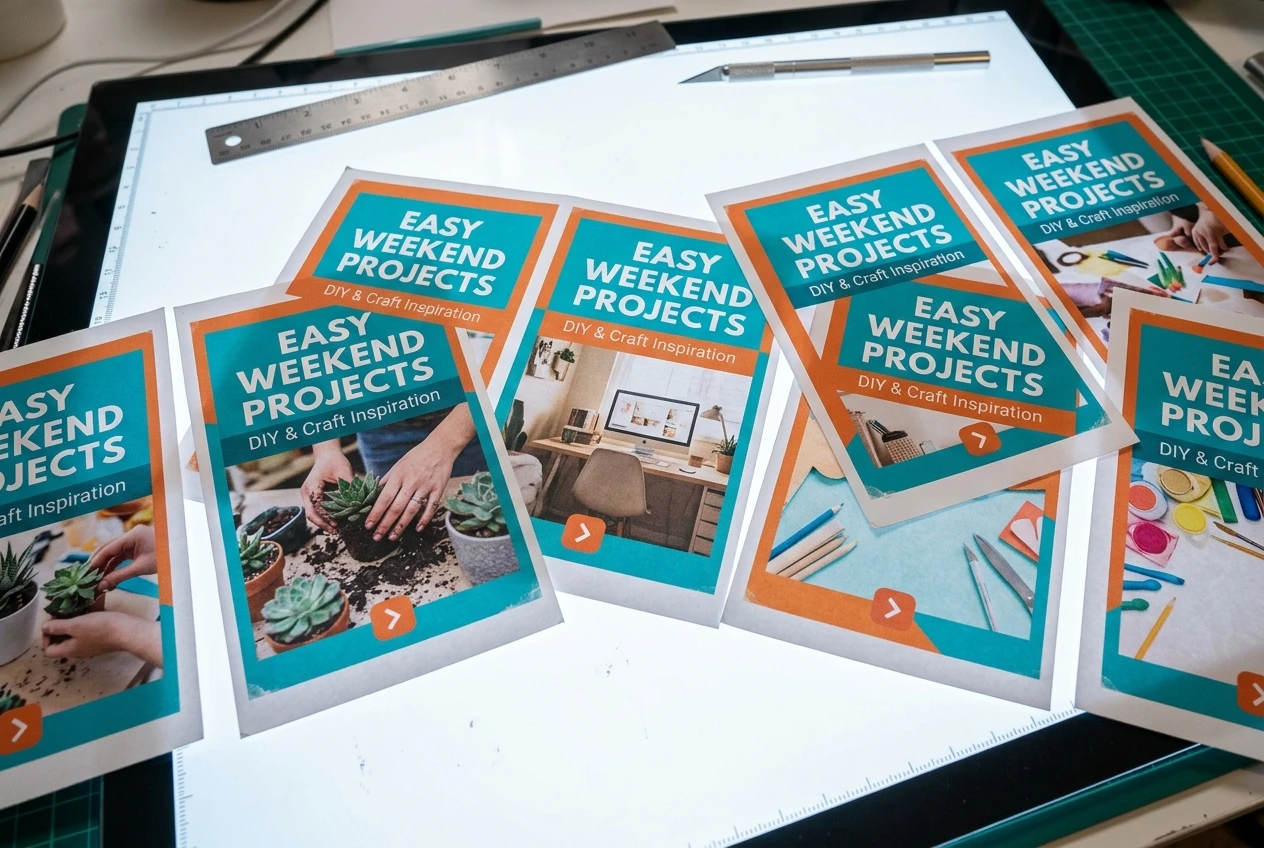
The fix isn’t to avoid Canva. It’s to budget a little extra time up front on the handful of templates you’ll reuse: swap the default stock photo for something that actually matches your niche, adjust the color palette so it isn’t the default teal-and-orange combination half of Canva’s templates ship with, and pick a font pairing that isn’t the first one suggested. That initial customization pass is where you buy back the distinctiveness that pure template speed gives away. Skip it, and you’ll have fast graphics that blend into the background instead of earning a click.
What Jasper actually speeds up for affiliate copy

Jasper’s speed shows up somewhere different: the parts of writing that are structural and repetitive rather than original, which is most writing more often than writers like to admit.
-
First drafts of product description sections. When you’re covering specs and features that are already public information, Jasper can turn a bullet list of facts into readable prose fast.
-
Intros and outlines. Staring at a blank page is where a lot of writing time disappears. A rough draft to react to and restructure is faster than building from nothing.
-
Meta descriptions and headline variations. Generating ten headline options to pick from and edit is quicker than hand-writing ten from scratch.
-
Repurposing a long post into shorter formats. Turning a full review into an email blurb or a short social caption is close to mechanical, and that’s exactly where an AI draft saves real time.
The pattern here is the inverse of Canva’s. Jasper is fast at generating the scaffolding of a piece of writing: structure, variations, first-pass sentences you can then shape. It is not fast at the thing that actually makes affiliate content convert, which is specific, verified, first-hand judgment about a product.
Where Jasper’s drafts fall flat without a human edit pass
A Jasper draft reads fine. That’s actually the problem. It’s grammatically clean and structurally sound, which makes it easy to publish without noticing that it says almost nothing specific.
The tell is usually vague praise standing in for a real claim: “this tool offers great value” instead of a sentence about what it actually does better or worse than the alternative, “many users find this helpful” instead of a specific use case. None of that is wrong exactly. It’s just empty, and readers who are close to a buying decision can feel the difference between a sentence that carries information and one that’s padding.
Affiliate content converts when it answers a specific question a reader actually has: does this work for my situation, what’s the real tradeoff against the alternative, what would I wish I’d known before buying. A generated draft doesn’t know what you know from actually using the product, and it will happily fill that gap with confident-sounding generality instead. That gap is also where compliance risk creeps in: a draft that implies a result or guarantee you can’t back up needs to come out before it goes live, not after. If you haven’t already, it’s worth reading through how to write affiliate content that converts to see the structure that actually moves a reader toward a click, because that structure is exactly what a first draft is missing until you edit it in.
The edit pass is non-negotiable, not optional polish. Every generated section needs you to go back in and swap the generic claim for something specific: a number, a comparison, an actual opinion based on actual use. That editing step is where the real writing happens. Jasper buys you the scaffolding. You still have to build the house.
A workflow that uses both tools for different assets

Once you stop asking which tool wins and start asking which asset each one is for, a workflow falls out naturally.
-
Draft the post’s structure and first-pass copy in Jasper: outline, intro, product sections built from your own notes and facts.
-
Edit that draft hard, replacing generic claims with specifics only you know, and cutting anything that sounds like filler.
-
Once the copy is locked, pull the headline, a key stat, or a strong quote and build the featured image and social graphics in Canva, using your established templates.
-
Place affiliate links inside the edited copy at the points where a reader is actually ready to click, not just wherever felt convenient while drafting. If you haven’t mapped that out, where to place affiliate links for clicks is worth a look before you publish.
This order matters. Writing first and designing second means your graphics are built around a finished point, not a guess at what the post might say. It also means you’re never running both tools at once trying to make two different bottlenecks move at the same time, which is usually where a publishing afternoon gets lost.
Which one to start with based on your biggest content gap
If you’ve got a backlog of written posts sitting unpublished because you can’t get graphics made, start with Canva. Build your templates first, even if it takes a few hours, because that’s the investment that makes every post after it fast.
If you’ve got topics mapped out and products chosen but the drafts themselves aren’t getting written, start with Jasper. Use it to break the blank page problem, then put your editing time into the sections that actually need your judgment.
Either way, the subscription or credits only pay off if the tool is closing your actual bottleneck. Buying both and using neither consistently is the common failure mode, not picking the wrong one.
If tool selection like this is where you keep getting stuck, read the rest of the affiliate marketing tools worth using in 2026 for the rest of the stack worth paying for.